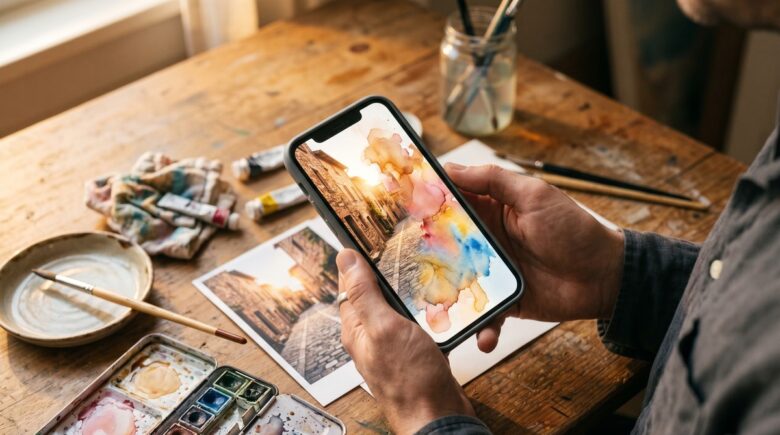
Fact-checked by the VisualEnews editorial team
Quick Answer
The best photo to watercolor app options in July 2025 include Waterlogue, Prisma, Adobe Photoshop Express, and Brushstroke. These apps use AI-driven filters and neural style transfer to convert photos into watercolor paintings in under 30 seconds, with top-rated options available on both iOS and Android starting free or at $2.99.
A photo to watercolor app uses artificial intelligence and neural style transfer to simulate the texture, bleed, and translucency of traditional watercolor painting from a standard photograph. According to Statista’s AI-powered creative app market data, the global market for AI photo editing tools surpassed $4.4 billion in 2024 and continues to grow rapidly. The technology has matured from basic hue filters to sophisticated models capable of replicating brush dynamics and pigment diffusion.
Whether you are a digital artist, a social media creator, or someone preserving family memories in a painterly style, the right app makes a significant difference. This guide covers the top-performing apps, their key features, pricing, and what to look for before downloading.
Key Takeaways
- Waterlogue by Tinrocket remains one of the highest-rated iOS watercolor apps, holding a 4.7-star average across more than 12,000 App Store ratings, according to Apple’s App Store listing.
- Neural style transfer — the core technology behind most photo to watercolor app tools — was first introduced in a landmark 2015 paper by Gatys, Ecker, and Bethge, as documented by arXiv’s academic archive.
- The global photo editing app market is projected to reach $1.1 billion by 2027, driven largely by AI filter demand, per Grand View Research’s 2024 industry report.
- Prisma, one of the most downloaded art-filter apps, exceeded 70 million downloads within its first year of release, according to TechCrunch’s coverage of Prisma’s growth.
- Free photo to watercolor apps account for 63% of downloads in the creative filter category, though paid apps generate 78% of total revenue, per Business of Apps’ 2024 photo editing statistics.
In This Guide
- What Is a Photo to Watercolor App and How Does It Work?
- What Are the Best Photo to Watercolor Apps for iOS and Android?
- Are Free Watercolor Apps Worth It, or Should You Pay?
- What Features Should You Look for in a Watercolor Photo App?
- How Do the Top Apps Compare Side by Side?
- How Do You Get the Best Results from a Watercolor Photo App?
- Frequently Asked Questions
What Is a Photo to Watercolor App and How Does It Work?
A photo to watercolor app applies deep learning algorithms to analyze a photograph and re-render it using the visual characteristics of watercolor paint — including wet-on-wet blending, pigment granulation, and paper texture. The underlying method is called neural style transfer (NST), a technique that separates content from artistic style and recombines them.
The Role of Neural Style Transfer
NST was formally introduced in the 2015 Gatys et al. paper published on arXiv, which demonstrated that convolutional neural networks could extract and reapply the stylistic features of artwork. Modern apps have built on this foundation with faster, mobile-optimized models. Processing that once took minutes on a GPU now completes in seconds on a smartphone.
Companies like Adobe, Prisma Labs, and Tinrocket each use distinct architectural approaches. Tinrocket’s Waterlogue, for instance, uses a proprietary algorithm tuned specifically for watercolor simulation rather than general style transfer.
Watercolor simulation in software dates back to a 1997 SIGGRAPH paper by Curtis, Anderson, Seims, Fleischer, and Salesin, long before smartphone apps made the technique widely accessible to consumers.
What Are the Best Photo to Watercolor Apps for iOS and Android?
The best photo to watercolor app options in 2025 are Waterlogue, Prisma, Brushstroke, Adobe Photoshop Express, and Glaze. Each excels in a different area — realism, artistic variety, output resolution, or ease of use.
Waterlogue by Tinrocket
Waterlogue is widely regarded as the gold standard for watercolor conversion on iOS. It offers 12 distinct watercolor styles and processes images locally on the device, meaning no internet connection is required. The app costs $2.99 as a one-time purchase on the Apple App Store.
Waterlogue’s output is consistently high-quality because its algorithm was trained on hundreds of actual watercolor paintings rather than generic art styles. The result closely mimics real pigment behavior, including edge-darkening and bloom effects.
Prisma — AI Filters Including Watercolor
Prisma, developed by Prisma Labs, offers over 700 artistic filters, several of which simulate watercolor and gouache. It is available on both iOS and Android. The free version applies filters at reduced resolution; the premium plan costs $9.99 per month or $29.99 annually.
Prisma processes images on its own servers, so a stable internet connection is required. This enables more complex model inference than most devices can run locally, resulting in high visual fidelity for complex scenes.
Brushstroke — Portrait and Landscape Focus
Brushstroke by Code Organa is an iOS-only app that converts photos into paintings using several styles, including watercolor. It integrates directly with Apple Photos and allows brush direction and intensity adjustments. The app is free with in-app purchases for premium styles.
Adobe Photoshop Express
Adobe Photoshop Express is part of the Adobe Creative Cloud ecosystem and includes watercolor-style artistic effects alongside its standard photo editing toolkit. It is available free on iOS and Android, with the full suite accessible via a Creative Cloud subscription starting at $9.99/month according to Adobe’s official pricing page.
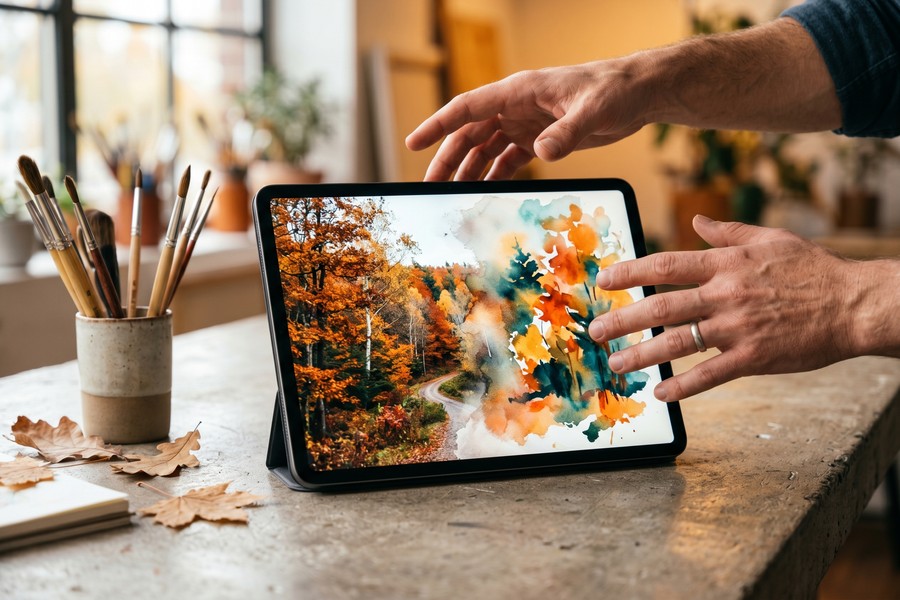
Glaze — Texture-First Watercolor
Glaze is a lesser-known but highly capable photo to watercolor app on iOS. It emphasizes paper texture and layering, allowing users to select from multiple paper grain types. It costs $1.99 as a one-time purchase.
Creative filter apps collectively received over 2.3 billion downloads globally in 2023, according to Data.ai’s State of Mobile 2024 report — reflecting the mainstream demand for AI-driven artistic photo tools.
Are Free Watercolor Apps Worth It, or Should You Pay?
Free photo to watercolor apps are worth using for casual sharing, but paid apps deliver meaningfully better output resolution, more style options, and no watermarks. The decision hinges on your intended use — social media posts versus print-ready artwork.
What Free Apps Typically Restrict
Most free apps cap export resolution at 1080p or lower and apply a watermark to the output. Prisma’s free tier, for example, limits resolution and restricts access to its newest filter models. For professional or print use, these limitations become significant.
As explored in the VisualEnews guide on free vs. paid apps and what you actually give up, free tiers often monetize through data collection and advertising rather than direct payment — which carries its own trade-offs.
When Paying Makes Sense
One-time purchases like Waterlogue ($2.99) or Glaze ($1.99) represent strong value for regular users. Subscription-based options like Prisma Premium are better suited to creators who need a wide range of styles beyond watercolor.
If you find yourself subscribing to multiple creative apps, it is worth auditing those costs. The VisualEnews article on auditing digital subscriptions that quietly drain your budget offers a practical framework for that review.
“The biggest gap between free and paid art-filter apps is not the algorithm — it is the output pipeline. Paid apps preserve color depth, resolution, and metadata that free tiers routinely strip out.”
What Features Should You Look for in a Watercolor Photo App?
The most important features in a photo to watercolor app are output resolution, style variety, processing speed, and export options. Secondary considerations include offline capability, layering controls, and integration with other platforms.
Resolution and Export Quality
Always check the maximum export resolution before downloading. Apps that output at 4K or higher (3840×2160 pixels) are suitable for printing. Apps capped at 1080p are sufficient for screen use only. Waterlogue exports at up to 3x the native screen resolution, which is adequate for standard prints up to 8×10 inches.
Style Depth and Customization
A strong photo to watercolor app should offer more than a single filter. Look for adjustable parameters such as wetness, paper grain, edge contrast, and brush size. Brushstroke and Waterlogue both provide these controls, whereas simpler apps like basic Instagram-style filters do not.
Style transfer technology is also evolving rapidly. As covered in our overview of how AI is changing the way we search and interact with digital content, advances in generative AI are being integrated into creative tools faster than ever before.
For the most realistic watercolor effect, use source photos with strong natural lighting and clear subject-background separation. High-contrast images give the app’s edge-detection model more to work with, producing crisper bloom and bleed effects in the output.
Offline Processing vs. Cloud Processing
Offline apps (Waterlogue, Glaze) protect your photos from being uploaded to third-party servers. Cloud-processing apps (Prisma) can apply more computationally intensive models but require data sharing. For sensitive personal photos, offline processing is the more privacy-conscious choice.
How Do the Top Apps Compare Side by Side?
The table below compares the five leading photo to watercolor app options across the criteria that matter most to buyers in 2025.
| App | Platform | Price | Max Export Resolution | Watercolor Styles | Offline Processing |
|---|---|---|---|---|---|
| Waterlogue | iOS only | $2.99 one-time | 3x screen (approx. 3240px) | 12 | Yes |
| Prisma | iOS and Android | Free / $9.99 per month | Up to 4K (Premium) | 700+ (multi-style) | No |
| Brushstroke | iOS only | Free / IAP from $1.99 | Up to 2160px | 8 | Yes |
| Adobe PS Express | iOS and Android | Free / $9.99 per month (CC) | Up to 4K | 6 watercolor effects | Partial |
| Glaze | iOS only | $1.99 one-time | Up to 2048px | 5 | Yes |
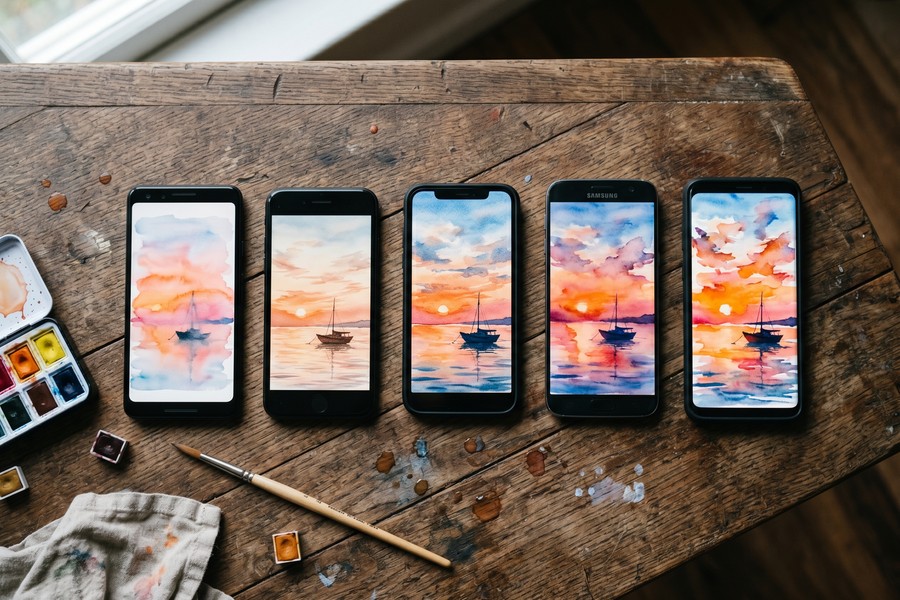
How Do You Get the Best Results from a Watercolor Photo App?
You get the best results from a photo to watercolor app by starting with a high-resolution source image, choosing a photo with clear subjects and defined edges, and adjusting the app’s wetness and detail settings to match the scene’s complexity.
Choosing the Right Source Photo
Watercolor simulation works best on images with distinct foreground-background separation and natural lighting. Overexposed or heavily compressed images lose the tonal gradations the algorithm needs. Start with a RAW or full-resolution JPEG wherever possible.
Portraits, architectural scenes, and landscapes tend to produce the strongest results. Close-up macro photography can also work well, as the high-contrast edges translate into defined watercolor strokes.
Post-Processing the Output
Most watercolor app outputs benefit from light post-processing. Reducing saturation by 10–15% and adding a slight warm tone in an editor like Adobe Lightroom Mobile or Snapseed can make the result look more like a scanned original painting rather than a digital filter. These are free tools available on both iOS and Android.
Interestingly, the same AI advancements powering creative apps are also reshaping productivity tools. Our piece on how AI is changing internet search explains the broader technological context behind these developments.
“The best inputs for neural style transfer are images where the human eye already perceives strong compositional structure. The network is essentially learning to paint what it sees — and it sees the same things we do.”
Sharing and Printing Watercolor Outputs
For social media, export at your app’s default resolution. For printing, target at least 300 DPI at your desired print size. A 4×6 inch print at 300 DPI requires a minimum image width of 1800 pixels. Always export in PNG format rather than JPEG to preserve edge detail in the painted output.
Frequently Asked Questions
What is the best free photo to watercolor app?
Prisma is the best free option, offering hundreds of artistic filters including several watercolor styles at no cost on iOS and Android. The free tier limits export resolution and adds a watermark, but output quality is still usable for social sharing.
Can I convert a photo to watercolor on Android?
Yes. Prisma and Adobe Photoshop Express are both available on Android and include watercolor-style filters. Waterlogue and Brushstroke are currently iOS-only. Android users should also consider Stylish Photo Lab and PicsArt, which include watercolor presets.
Does a photo to watercolor app require internet access?
It depends on the app. Waterlogue and Glaze process images entirely on your device with no internet connection required. Prisma requires an active connection because it processes images on remote servers. Adobe Photoshop Express works partially offline but needs internet for some AI features.
How long does it take to convert a photo to watercolor?
Most modern apps complete the conversion in 5 to 30 seconds on a current-generation smartphone. Prisma’s cloud processing typically takes 10 to 20 seconds depending on server load. Offline apps like Waterlogue process in 5 to 15 seconds on an iPhone 13 or newer.
Are photo to watercolor apps safe to use with personal photos?
Offline apps are the safest option because your photos never leave your device. Cloud-based apps like Prisma upload your images to process them. Always review an app’s privacy policy before uploading sensitive or personal photographs. This is covered in more depth in the VisualEnews guide on protecting your digital identity.
Can I use watercolor app outputs commercially?
Usage rights vary by app. Waterlogue grants full rights to outputs created by the user. Prisma’s terms of service retain the right to use anonymized outputs for model training but grant the user ownership of the final image. Always read the terms of service before using app outputs in commercial work.
What makes Waterlogue better than built-in phone filters?
Waterlogue uses a purpose-built watercolor simulation algorithm rather than a general-purpose filter. It replicates physical painting behaviors — including pigment bloom, wet-edge darkening, and paper absorption — that built-in phone filters do not model. The result is visually distinct from standard hue adjustments.
Sources
- arXiv — Gatys, Ecker, Bethge: A Neural Algorithm of Artistic Style (2015)
- Apple App Store — Waterlogue by Tinrocket
- TechCrunch — Prisma Hits 70 Million Users
- Grand View Research — Photo Editing Software Market Report 2024
- Business of Apps — Photo Editing App Statistics 2024
- Adobe — Creative Cloud Pricing and Plans
- Data.ai — State of Mobile 2024 Report
- Statista — AI-Powered Photo App Market Size Worldwide






