Fact-checked by the VisualEnews editorial team
Quick Answer
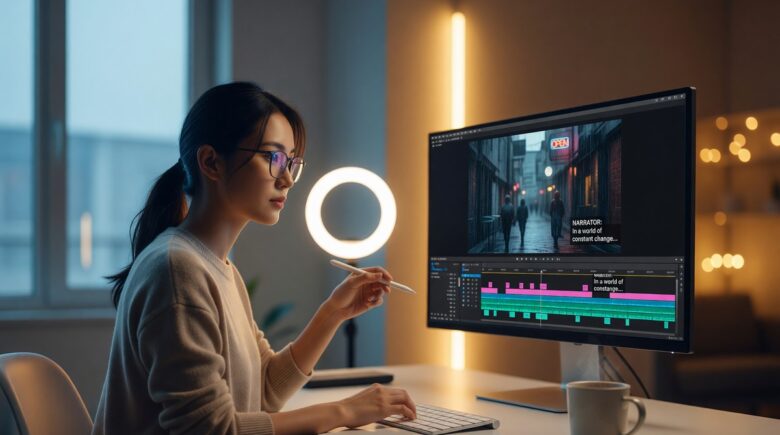
The best apps to add text overlay to videos in July 2025 include CapCut, Adobe Premiere Rush, InShot, Canva, and Kinemaster. Each supports customizable fonts, animated text, and subtitle generation. Over 85% of social video viewers watch without sound, making text overlays essential for engagement across all platforms.
An add text overlay video app is software that lets you place readable text — subtitles, captions, titles, or animated labels — directly onto video footage without requiring professional editing skills. According to Verizon Media’s video research, 69% of consumers watch video with the sound off in public settings, making on-screen text a functional necessity, not just a stylistic choice.
As short-form video dominates platforms like TikTok, Instagram Reels, and YouTube Shorts, creators need fast, reliable tools to keep audiences engaged. This guide ranks the top apps by platform, pricing, and core features so you can pick the right tool for your workflow immediately.
Key Takeaways
- 85% of Facebook videos are watched without sound (Facebook Business, 2024), making text overlays critical for viewer retention.
- CapCut offers auto-caption generation in over 35 languages for free, making it the most accessible add text overlay video app for mobile creators (CapCut feature documentation).
- Adobe Premiere Rush subscribers pay $9.99 per month and gain access to Motion Graphics templates synced via Adobe Creative Cloud (Adobe pricing page).
- Videos with captions retain viewers for 40% longer on average compared to uncaptioned video (3Play Media captioning research).
- Kinemaster’s Pro tier costs $3.99 per month and removes watermarks while unlocking advanced text animation layers (Kinemaster pricing).
In This Guide
- Why Do Text Overlays Matter for Video Performance?
- Which Mobile Apps Are Best for Adding Text Overlays?
- Which Desktop Apps Offer the Most Control for Text Overlays?
- Which Apps Automatically Generate Subtitles from Audio?
- Free vs. Paid Add Text Overlay Video Apps: What Is the Real Difference?
- How Do the Top Apps Compare Side by Side?
- Frequently Asked Questions
Why Do Text Overlays Matter for Video Performance?
Text overlays directly increase watch time, accessibility, and shareability. According to 3Play Media’s captioning research, captioned videos keep viewers engaged for 40% longer than uncaptioned counterparts.
Beyond retention, text overlays are a legal accessibility requirement in many contexts. The Americans with Disabilities Act (ADA) web guidance increasingly applies to digital video content, pushing businesses and creators toward compliance.
The Role of Captions in Social Media Algorithms
Platforms like TikTok and Instagram reward content that keeps viewers watching. Text overlays reduce drop-off rates in the first three seconds — the window most algorithms use to judge content quality.
Auto-captions on TikTok alone have been shown to increase average watch duration, according to TikTok’s own creator newsroom data. Choosing the right add text overlay video app is now a direct SEO and discoverability decision, not just a production choice.
The global video editing software market was valued at $932 million in 2023 and is projected to grow at a compound annual rate of over 6% through 2030, driven largely by mobile-first creator tools (Grand View Research).
Which Mobile Apps Are Best for Adding Text Overlays?
For mobile users, CapCut, InShot, and Kinemaster are the strongest add text overlay video app options available in 2025, each offering different strengths in speed, customization, and platform integration.
CapCut
CapCut, developed by ByteDance, is free on iOS and Android and includes auto-caption generation in over 35 languages. Its text animation library contains hundreds of presets, making it ideal for TikTok and Reels creators.
CapCut’s “Auto Captions” feature transcribes speech to synchronized subtitles in under 30 seconds for a one-minute clip. It supports font customization, opacity control, and per-word highlight animations — features that were previously reserved for desktop editors.
InShot
InShot targets casual creators with a clean interface and a focused text toolkit. The free version supports basic text overlays, while the Pro tier at $3.99 per month adds premium fonts and animated text styles. It integrates directly with Instagram’s aspect ratio presets, streamlining the publishing workflow.
Kinemaster
Kinemaster gives mobile users multi-layer editing — a feature typically found only in desktop software. Text layers can be keyframed for position and opacity over time. The free version adds a watermark; the Pro plan removes it for $3.99 per month.
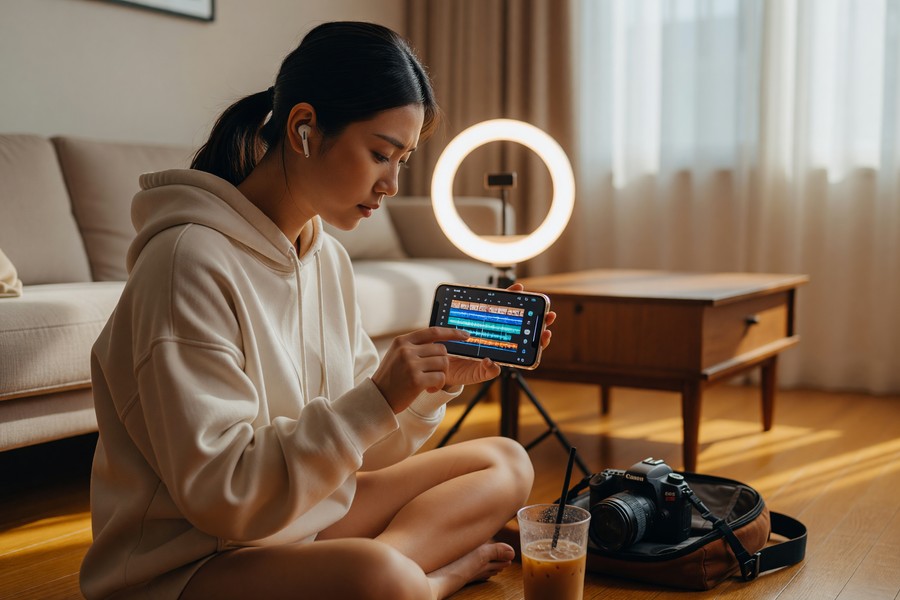
When using any add text overlay video app on mobile, set your font size to a minimum of 36pt for vertical video (9:16) formats. Text below this threshold becomes unreadable on phone screens and reduces accessibility compliance.
Which Desktop Apps Offer the Most Control for Text Overlays?
Desktop apps offer frame-level precision, Motion Graphics templates, and multi-track timelines — capabilities that mobile apps cannot fully replicate. Adobe Premiere Pro, DaVinci Resolve, and Adobe Premiere Rush lead this category.
Adobe Premiere Pro
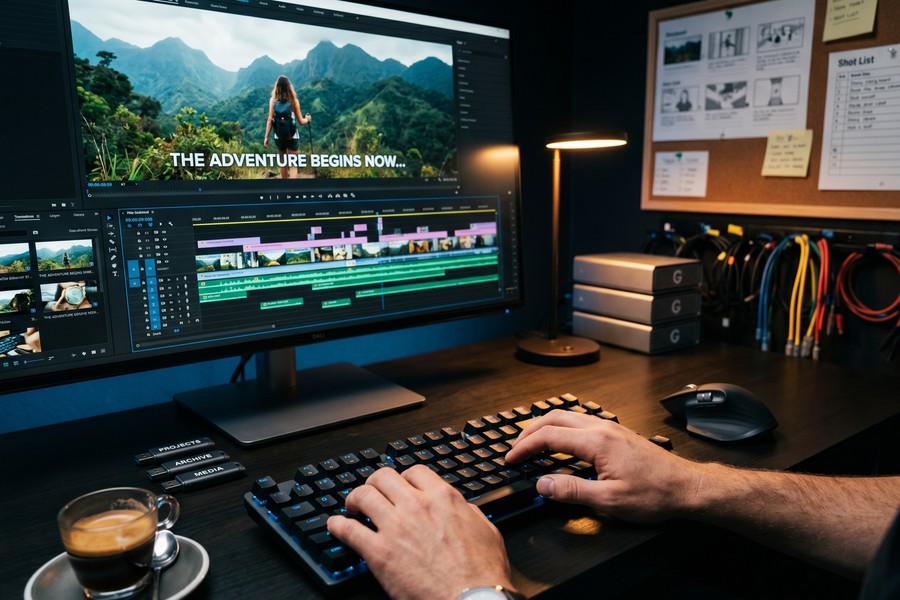
Adobe Premiere Pro, part of Adobe Creative Cloud, includes a native Caption workspace that allows SRT file import, style editing, and real-time preview. The Speech to Text feature, powered by Adobe Sensei AI, transcribes dialogue directly into editable captions. A full Creative Cloud subscription costs $54.99 per month, though the Premiere Pro standalone plan is $20.99 per month.
Premiere Pro connects directly with Adobe After Effects for Motion Graphics templates (.mogrt files), which can include complex animated title sequences and lower-thirds — a standard in broadcast production.
DaVinci Resolve
DaVinci Resolve by Blackmagic Design is free at its core and includes a Fusion page with node-based text compositing. For most creators who need a capable add text overlay video app without a subscription, DaVinci Resolve’s free tier is unmatched in depth. The Studio version costs a one-time fee of $295 and adds AI-powered subtitle features.
“Auto-captioning tools have lowered the barrier for accessibility significantly, but creators still need to review AI-generated transcripts. Error rates on technical vocabulary or names can reach 15–20% without human review.”
Which Apps Automatically Generate Subtitles from Audio?
Auto-subtitle generation is now a standard feature in the best add text overlay video apps. CapCut, Descript, Submagic, and Adobe Premiere Pro offer AI-powered transcription with varying accuracy rates.
Descript
Descript is a word processor-style video editor where captions are generated automatically and then edited like a text document. Deleting a word from the transcript removes it from the video timeline. The free plan allows 1 hour of transcription per month; the Creator plan costs $12 per month.
Descript’s accuracy rate, powered by OpenAI Whisper integration, reaches approximately 95% for clear speech in English, according to internal benchmarks published on their feature page. This positions Descript as the best auto-subtitle solution for interview-based and documentary-style content.
Submagic and Runway ML
Submagic is a browser-based tool purpose-built for short-form content. It auto-generates animated, word-by-word captions in the style popularized by Reels and TikTok. Runway ML adds generative AI video tools alongside caption features, appealing to more experimental creators.
AI-powered transcription tools now achieve an average word error rate (WER) of under 5% for standard American English audio, down from over 25% in 2017, according to speech recognition benchmarking research on arXiv.
Free vs. Paid Add Text Overlay Video Apps: What Is the Real Difference?
Free tiers of most add text overlay video apps limit output resolution, add watermarks, or restrict font libraries — but they are fully functional for casual use. Paid plans primarily unlock AI features, watermark removal, and commercial licensing.
What Free Plans Actually Restrict
The most common free-tier limitations include export caps at 1080p instead of 4K, watermarks on exported files, a maximum of 5–10 premium font families, and no batch export. For YouTube creators or businesses, these restrictions create a clear case for upgrading.
If you are evaluating whether a subscription is worth the cost, our analysis of free vs. paid app trade-offs breaks down what you are actually giving up at the free tier across major app categories.
When Paid Tiers Pay Off
Paid tiers become cost-effective when you produce more than 4 videos per week or when your brand requires watermark-free, commercially licensed output. At that volume, tools like Adobe Premiere Rush at $9.99 per month or Descript at $12 per month deliver professional polish that justifies the spend.
It is also worth auditing your current software subscriptions before adding new ones. Our guide on digital subscription auditing can help you identify redundant tools you may already be paying for.
How Do the Top Apps Compare Side by Side?
The table below compares the six leading apps across the metrics that matter most: platform, pricing, auto-caption support, and export resolution.
| App | Platform | Free Tier | Paid Plan (Monthly) | Auto-Captions | Max Export Resolution |
|---|---|---|---|---|---|
| CapCut | iOS, Android, Web | Yes | $7.99 | Yes (35+ languages) | 4K |
| Adobe Premiere Pro | Windows, macOS | No (7-day trial) | $20.99 | Yes (AI-powered) | 8K |
| DaVinci Resolve | Windows, macOS, Linux | Yes (full featured) | $295 (one-time) | Studio version only | 4K (free) / 8K (Studio) |
| InShot | iOS, Android | Yes (watermark) | $3.99 | No | 1080p (free) / 4K (Pro) |
| Descript | Windows, macOS, Web | Yes (1 hr/month) | $12.00 | Yes (Whisper AI) | 4K |
| Kinemaster | iOS, Android | Yes (watermark) | $3.99 | No | 4K |
Canva, primarily known as a design tool, now supports video text overlays and subtitle generation through its Video Editor feature — making it a strong choice for teams already using Canva for brand assets. The Pro plan is $15 per month per person and includes brand kit integration for consistent typography across all video outputs.
As AI continues to reshape creator tools, the distinction between video editors and AI content platforms is narrowing. Our article on how AI is changing the way we search and create provides useful context on where these tools are heading next.
For creators who work on laptops — especially remote workers — hardware matters as much as software. If you are running a desktop-class editor like Premiere Pro or DaVinci Resolve on a portable machine, our roundup of the best laptops for remote workers in 2026 can help you match your machine to your editing demands.
Frequently Asked Questions
What is the best free add text overlay video app for beginners?
CapCut is the best free option for beginners in 2025. It requires no account to use basic features, includes auto-caption generation in over 35 languages, and exports at 4K without a watermark on the free tier.
Can I add subtitles automatically without typing them manually?
Yes. Apps including CapCut, Adobe Premiere Pro, Descript, and Submagic all offer AI-powered speech-to-text that generates synced subtitles from your video’s audio track. Accuracy for clear English speech typically exceeds 95%, but manual review is recommended for technical terms or proper nouns.
What is the difference between subtitles and text overlays?
Subtitles are time-synced captions that transcribe spoken dialogue, usually displayed at the bottom of the frame. Text overlays is a broader term that includes subtitles, title cards, lower-thirds, labels, and any other on-screen text that is not necessarily tied to spoken words.
Is there an add text overlay video app that works on both mobile and desktop?
CapCut and Descript both offer web browser versions accessible on desktop and dedicated mobile apps for iOS and Android. This cross-platform availability makes project handoffs between devices seamless without format conversion.
Do text overlays affect video file size?
Text overlays are rendered into the video on export, which adds minimal file size — typically less than 2–5% compared to the same video without text. The dominant factors in file size remain resolution, bitrate, and video length, not the presence of text layers.
Are there apps specifically designed for adding subtitles to long-form videos?
Descript and Adobe Premiere Pro are the strongest choices for long-form content. Both allow SRT file import and export, support batch captioning across multiple clips, and let editors correct transcription errors efficiently within the same timeline interface.
Do I need an internet connection to use these apps?
Most mobile apps — including InShot and Kinemaster — work fully offline for manual text overlays. However, AI-powered auto-caption features in CapCut, Descript, and Premiere Pro require an active internet connection to process audio through cloud-based transcription servers.
Sources
- 3Play Media — Caption and Subtitle Research Study
- TikTok Newsroom — Auto-Captions Feature Announcement
- ADA.gov — Web Accessibility Guidance
- Adobe — Premiere Rush Pricing
- Grand View Research — Video Editing Software Market Report
- CapCut — Feature Documentation
- arXiv — Speech Recognition Benchmarking and Word Error Rate Analysis
- Facebook Business — Video Engagement and Sound-Off Viewing Data
- Blackmagic Design — DaVinci Resolve Product Page
- Descript — Pricing and Plan Features






